How AI Image Generators Help Non-Designers Create Visuals
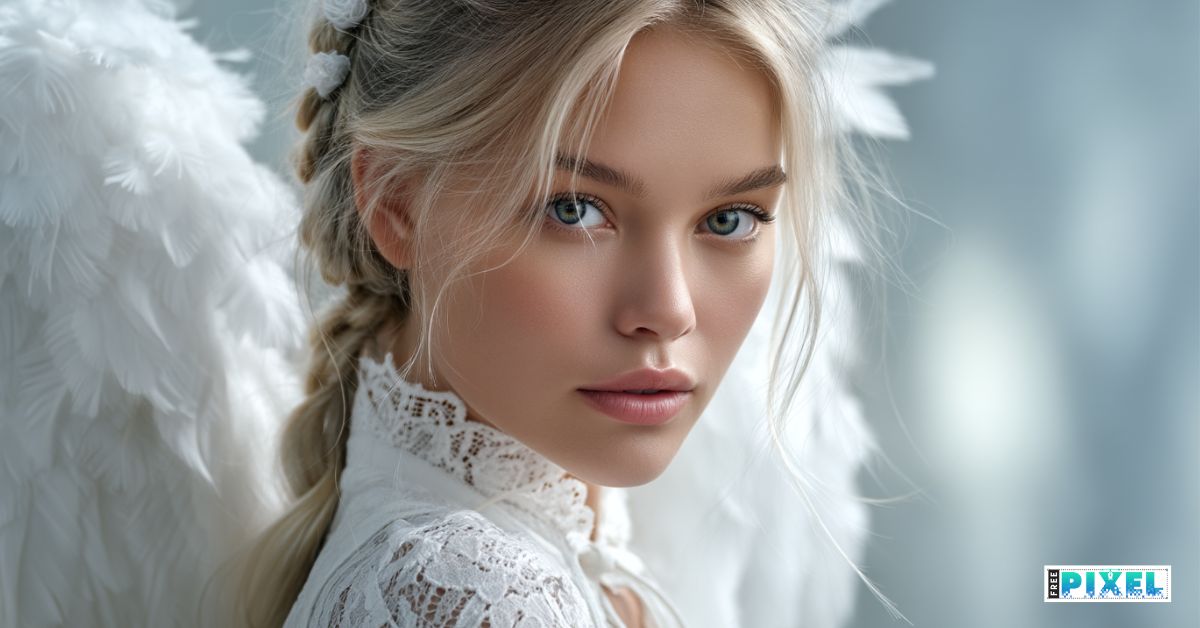
Do you find it hard to create images that will make your blog or social media stand out? Many people find that using AI image generators is the perfect solution for creating professional-looking visuals without any design experience. These tools are making a big difference for people who make content.
If you've ever felt stuck trying to make a graphic from the beginning, you're not the only one. The good news is that you no longer need complicated software or a design degree to produce high-quality images.
What Are AI Design Tools?
AI design tools are software applications that use AI Image Generators to help you create visual content. You just type a description of the image you want, and the AI will generate it for you in seconds. It's like having a personal graphic designer at your service.
These tools look at millions of images to understand styles, objects, and compositions. This means they can create unique, high-quality visuals based on your text. This process is often called AI-powered image creation.
5 Big Benefits for Non-Designers
These tools are really useful for people who aren't designers. They let you make professional-looking graphics quickly and easily.
1. No Design Skills Needed
The best thing about it is that you don't need to know anything about design. Traditional design software is hard to learn, but AI tools are designed to be simple.
- Tell me what you would like to see.
- Let the AI take care of the composition, colour and style.
- Create as many options as you like, all at once.
This makes them perfect for beginners who need to produce images without getting bogged down by technical details.
2. Save Time and Money
Hiring a graphic designer can cost a lot of money, and doing it yourself can take hours. AI tools are a fast and cheap alternative.
Instead of waiting days for a designer to create your images, you can make them in minutes. This speed is really helpful for creating AI for social media visuals, where you need to keep making new content all the time.
3. Create Unique, Custom Images
Stock photos can feel generic and may have been used by many others. With AI image generators, every image you create is unique to the prompt you give it.
You have complete creative control. Want a picture of an astronaut riding a bicycle on Mars in a retro style? You can do that. This makes your brand visuals stand out.
4. Boost Your Content’s Appeal
High-quality visuals make your content more interesting. People like to see images in blog posts, and they like to share social media posts with graphics.
You can add interesting images to your work using these simple graphic design tools.
- Posts on a blog or articles
- Social media updates
- Newsletters sent by email
- Here are some presentations and reports.
5. Overcome Creative Blocks
Sometimes you know you need a picture, but you don't know what it should look like. Design tools that work on their own can help you think of new ideas.
You can try different things to see what works best. Seeing the AI's interpretations can give you new ideas for your content and brand identity.
Getting Started: Actionable Steps
Ready to try it out? Here’s how you can start creating visuals today.
- Choose a Tool: There are many options available, like Midjourney, DALL-E 3, or Stable Diffusion. Many have free trials or plans.
- Write a Clear Prompt: Be specific. Instead of "a dog," try "a happy golden retriever puppy playing with a red ball in a sunny park." Include details about style, lighting, and composition.
- Refine and Edit: The first result might not be perfect. Tweak your prompt or use the tool’s editing features to refine the image until you're happy with it.
Your Turn to Create
Getting started with AI Image Generators opens up a new world of possibilities for non-designers. You can finally create the high-quality, custom visuals you’ve always wanted for your projects without the high cost or steep learning curve.
Don’t let a lack of design skills hold you back. Pick a tool, start experimenting with prompts, and see what you can create. You might just surprise yourself with how easy it is to bring your ideas to life.
FAQs
Q1: Do I need to pay to use AI image generators?
Many AI image generators offer free credits or trials to get you started. For more extensive use or advanced features, paid plans are usually available, but you can create a lot without spending any money.
Q2: Are the images created by AI copyright-free?
The copyright rules for AI-generated images can be complex and vary by tool and country. It's important to check the terms of service for the specific tool you are using to understand usage rights for commercial projects.
Q3: Can I use these tools for my business?
Absolutely! Many businesses use AI design tools to create visuals for marketing, social media, and internal presentations. They are a great way to create professional graphics on a budget.
Q4: How specific should my text prompts be?
The more specific, the better. Include the subject, action, setting, colors, and even artistic style (e.g., "photorealistic," "cartoon," "watercolor"). Experimenting with different levels of detail will help you learn what works best.
Read Also


Jun 13, 2022
4 Best Membership WordPress Plugins
Having a membership website will increase your reputation and strengthen your engagement w


Comments (0)